
Supported platform · Facebook
Schedule Facebook Page posts with AI
SimplePost publishes to Facebook Pages you manage. Connect one or several Pages in a single sign-in, prepare the post with your AI assistant, and schedule it alongside your other networks. Facebook posts can be long, so the same message often works here with little change.
7-day free trial on every platform. No credit card required.
Northwind Studio
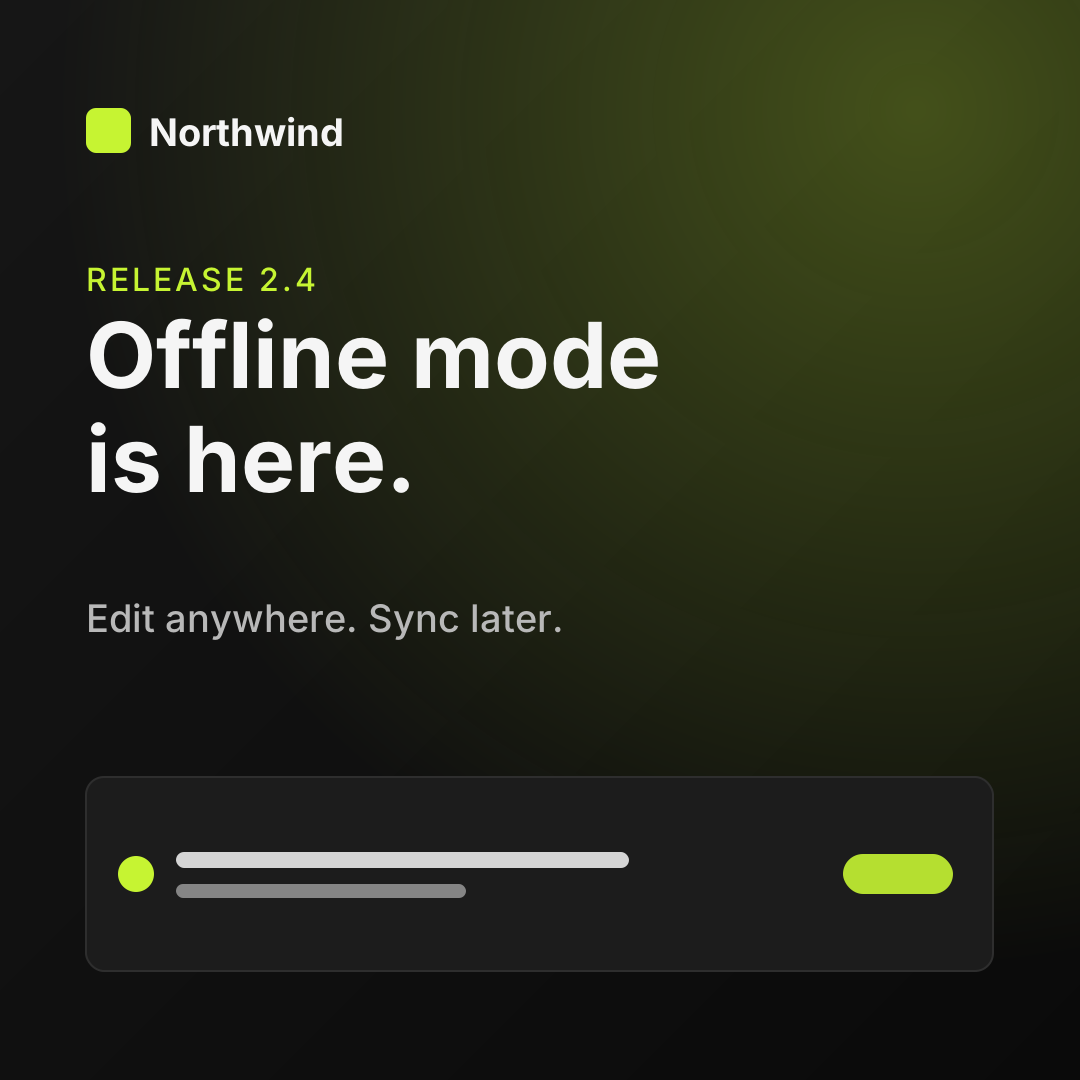
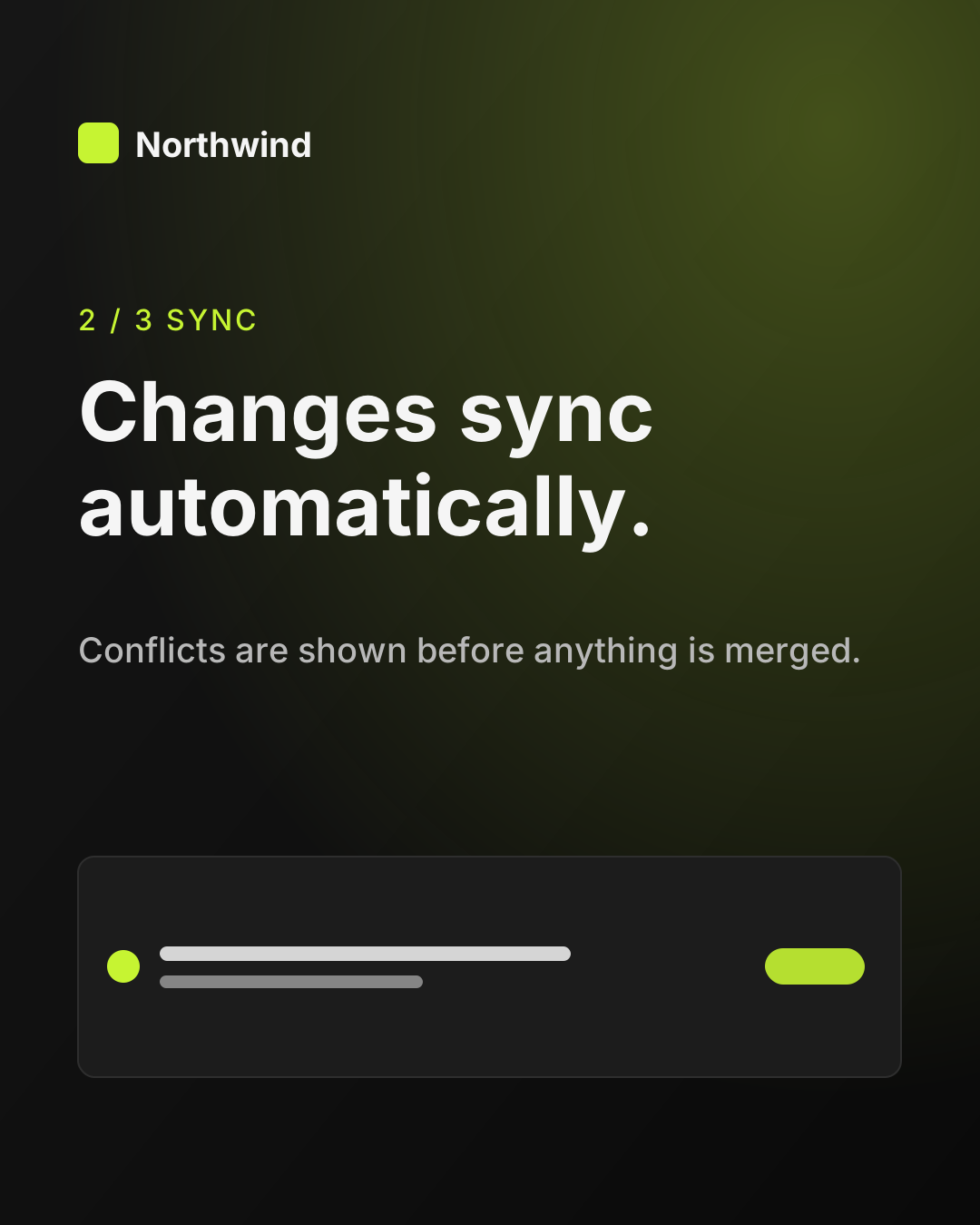
Big news for everyone who works on the go: Northwind 2.4 brings offline mode. 🚆 Keep editing without a connection. Everything syncs as soon as you're back online, and you'll review any conflicts before they're merged. Update today on web and desktop.
Quick answer
Can AI assistants post to a Facebook Page?
Yes. Connect your Page in SimplePost, then ask ChatGPT, Claude or another MCP client to create the post. SimplePost publishes it to the Page now or at the scheduled time. Posting to a personal Facebook profile is not possible.
- What you connect
- Facebook Pages you manage
- What you can publish
- Text, up to 10 images or 1 video
How it works
How SimplePost supports Facebook
During connection, SimplePost lists the Pages your Facebook login can manage and lets you choose one or more of them. Each selected Page becomes its own account in SimplePost, so you can target a single Page or several at once. The selection step expires after 30 minutes; start again from Accounts if it does.
Images are uploaded to the Page and attached to one feed post. A video is published as a Page video.
Supported content types
- Text posts
- Up to 63,206 characters.
- Photo posts
- Up to 10 images in one post.
- Video posts
- One video on its own, up to 4 GB, published as a Page video.
Before you connect
Facebook account requirements and limits
SimplePost validates these rules when you schedule and again when the post becomes due.
Account requirements
- A Facebook Page you have permission to manage. If your login manages no Pages, the connection cannot be completed.
- Personal profiles and Groups are not supported.
- No Meta developer app is needed for the hosted service.
Limitations to know
- Videos are published as regular Page videos, not as Reels.
- Stories, Groups and events are not supported.
- Quotes and automatic reposts are not available on Facebook.
Text and media limits
| Text | 63,206 characters |
|---|---|
| Images | Up to 10 per post, 4 MB each |
| Video | 1 per post, alone, up to 4 GB |
| Mixing | Images and video cannot be combined |
| Threads | Not supported; only the first post is published |
Facebook settings in SimplePost
| Facebook-native scheduling (optional) | Instead of SimplePost holding the post, hand it to Facebook with a publish time at least 10 minutes ahead. Times more than 30 days ahead get a warning. |
|---|
With your assistant
How AI assistants publish to Facebook
If you manage several Pages, each appears separately in list_accounts. Tell the assistant which Page to use by name, or ask it to list them first, so a post for one brand never goes to another.
Photo posts work well with assistants: attach up to 10 images in ChatGPT or give public URLs, and ask for a caption that introduces them.
Keep file sizes in mind. Facebook limits images to 4 MB each, lower than most networks, and SimplePost rejects larger images before scheduling.
All assistants use the same SimplePost MCP server, so the accounts, validation and results are identical whichever one you use.
- OpenAIChatGPT and FacebookInstall the SimplePost plugin in ChatGPT to preview, schedule and publish posts on ten networks.
- AnthropicClaude and FacebookConnect SimplePost from the Claude directory to prepare, adapt, preview and schedule posts.
- OpenClawOpenClaw and FacebookInstall the SimplePost bundle from ClawHub or add the MCP server, then publish from your agent.
Example workflow
From idea to a scheduled Facebook post
Connect your Pages
Open Accounts → Connect account → Facebook, sign in and select the Pages to add.Draft the post
Ask your assistant for a Page post that fits your audience; attach images if you have them.Choose the Page
Confirm which Page account the post targets. Several Pages can be selected together.Preview and schedule
Check the photo grid in the preview, then schedule.
List my SimplePost accounts and tell me which Facebook Pages are connected. For the Northwind Page only, write a friendly post announcing offline mode with the two images I'm attaching. Save it as a draft, show the preview, and schedule it for Thursday at 17:00 after I confirm.
Example prompt. Replace the example links and times with your own; a draft is not published until you schedule or publish it.
Scheduling and preview
How Facebook scheduling and previews behave
- The preview shows the Page name, the text and Facebook's photo grid for multi-image posts.
- By default SimplePost holds the scheduled post and publishes it when it becomes due. With Facebook-native scheduling, the post is sent to Facebook right away with a future publish time.
- Either way, you see the result per Page in SimplePost.
Cross-posting
Cross-post from Facebook to other networks
A Facebook Page post can share the long text with LinkedIn while shorter networks get their own copy:
| Friendly long-form announcement with two images. | |
| Similar length, more professional tone, one image. | |
| X | A single-sentence hook with the square card. |
Resources
Facebook tools, guides and documentation
FAQ
Facebook scheduling questions
Can SimplePost post to my personal Facebook profile?
No. Facebook only allows API publishing to Pages, so SimplePost connects Pages you manage, not personal profiles or Groups.
Can I connect several Facebook Pages?
Yes. Select all the Pages you want during connection. Each Page counts as one social account toward your plan's account allowance.
Are Facebook videos posted as Reels?
No. SimplePost publishes a video as a regular Page video.
What is Facebook-native scheduling?
An optional setting that sends the post to Facebook immediately with a publish time at least 10 minutes ahead, so Facebook publishes it. Without it, SimplePost holds the post and publishes it when it becomes due.
Other supported platforms
- Schedule LinkedIn posts with AI
- Schedule X (Twitter) posts with AI
- Schedule Instagram posts with AI
- Schedule Threads posts with AI
- Schedule Bluesky posts with AI
- Schedule TikTok videos with AI
- Schedule YouTube uploads with AI
- Schedule Pinterest Pins with AI
- Schedule Telegram posts with AI
- Compare all platforms
Schedule your first Facebook post
7 days free · No credit card · 10 posts per platform during the trial