
Supported platform · Bluesky
Schedule Bluesky posts with AI
SimplePost publishes posts, threads and quote posts to your Bluesky account. Because each Bluesky post is limited to 300 characters, AI assistants are useful for turning a longer idea into a tight thread. SimplePost checks every post and image before it is scheduled.
7-day free trial on every platform. No credit card required.
Northwind Studio
@northwindstudio
Northwind 2.4 is here, and it works offline. ✨
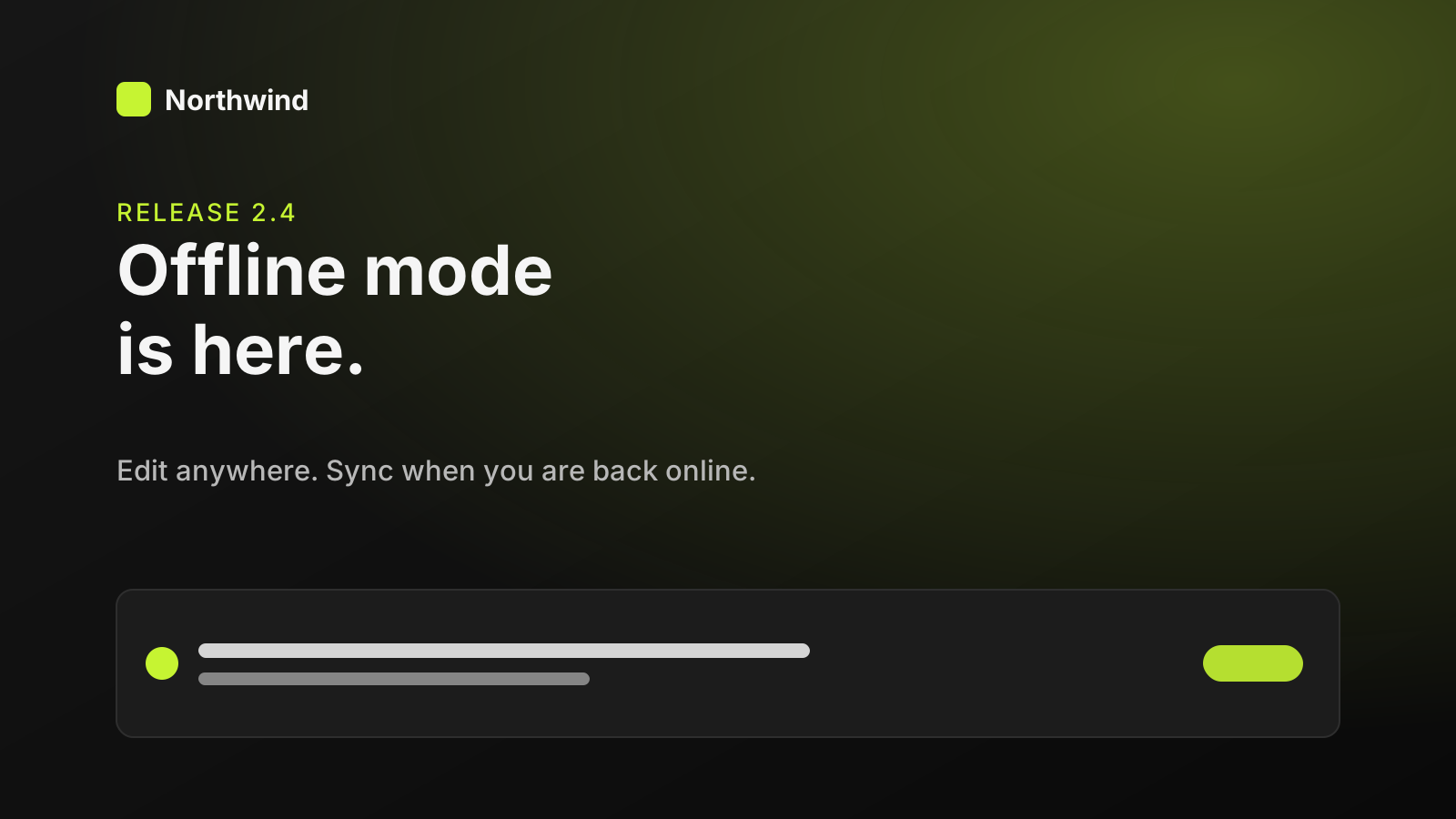
10:00 · 29 Sept 2026
Northwind Studio
@northwindstudio
Edit anywhere. Changes are saved on your device and sync when you reconnect.
10:00 · 29 Sept 2026
Northwind Studio
@northwindstudio
Conflicts are shown to you before anything is merged. Release notes: northwind.example/2-4
10:00 · 29 Sept 2026
Quick answer
Can AI assistants post to Bluesky?
Yes. Authorize Bluesky in SimplePost, then ask ChatGPT, Claude or another MCP client to create the post or thread. SimplePost publishes it through Bluesky's AT Protocol OAuth connection, now or at the time you choose.
- What you connect
- The Bluesky account you authorize
- What you can publish
- Text, up to 4 images or 1 video, threads, quotes
How it works
How SimplePost supports Bluesky
SimplePost connects to Bluesky with AT Protocol OAuth. You sign in on your Bluesky provider's page; SimplePost never sees your password or an app password.
Threads are published as a reply chain, and quote posts can reference a post published through SimplePost. Image captions become the images' alt text.
Supported content types
- Text posts
- Up to 300 characters (graphemes) and 3,000 bytes.
- Threads
- Up to 25 posts in a reply chain (20 during the trial).
- Images
- Up to 4 images, each with alt text.
- Video
- One MP4 video up to 10 minutes.
- Quotes and reposts
- Quote a SimplePost-published post, or repost your own automatically.
Before you connect
Bluesky account requirements and limits
SimplePost validates these rules when you schedule and again when the post becomes due.
Account requirements
- A Bluesky account you can sign in to with OAuth.
- For video: a verified email address on the Bluesky account and available daily video quota.
Limitations to know
- Links, @mentions and hashtags are published as plain text: SimplePost does not currently create Bluesky rich-text facets or link cards, so they are not clickable in the post.
- Video processing on Bluesky can take several minutes; SimplePost stops waiting after five minutes and reports the result.
- Bluesky's 2 MB image limit is lower than most networks; compress photos before scheduling.
Text and media limits
| Text | 300 characters (graphemes) and 3,000 bytes per post |
|---|---|
| Images | Up to 4 per post, JPEG, PNG or WebP, 2,000,000 bytes each |
| Video | 1 MP4 per post, up to 300 MB and 10 minutes |
| Mixing | Images and video cannot be combined |
| Thread length | 25 posts; 20 during the trial |
Bluesky settings in SimplePost
| Alt text | Image captions are used as alt text; a video's description becomes its alt text. |
|---|---|
| Automatic repost | Repost your own post 1 to 720 hours after it publishes. |
With your assistant
How AI assistants publish to Bluesky
Ask the assistant to write Bluesky posts under 300 characters and to put essential links where plain text still works, such as at the end of a post, because links are not turned into clickable cards.
Give the assistant alt text for each image, or ask it to write one from your description. Alt text is published with the image.
For a cross-network launch, keep one post with a Bluesky override that turns the message into a thread, rather than creating a separate Bluesky post.
All assistants use the same SimplePost MCP server, so the accounts, validation and results are identical whichever one you use.
- AnthropicClaude and BlueskyConnect SimplePost from the Claude directory to prepare, adapt, preview and schedule posts.
- OpenAIChatGPT and BlueskyInstall the SimplePost plugin in ChatGPT to preview, schedule and publish posts on ten networks.
- AnthropicClaude Code and BlueskyAdd the SimplePost MCP server with one command and publish release announcements from your repository.
- GoogleGemini CLI and BlueskyInstall the SimplePost Gemini CLI extension and schedule posts from the terminal.
Example workflow
From idea to a scheduled Bluesky post
Connect Bluesky
Open Accounts → Connect account → Bluesky and sign in with your handle.Write a short thread
Ask your assistant to split your update into posts under 300 characters.Add images with alt text
Attach up to four images under 2 MB and describe each one.Preview and schedule
Save a draft, check the thread, then schedule it.
List my SimplePost accounts. Rewrite this update as a Bluesky thread: every post under 300 characters, put the link as plain text in the last post, and write alt text for the attached image. Save it as a draft on Bluesky, show the preview, and schedule it for 18:00 today once I confirm.
Example prompt. Replace the example links and times with your own; a draft is not published until you schedule or publish it.
Scheduling and preview
How Bluesky scheduling and previews behave
- The preview shows each post of the thread with its avatar, text and image grid, so you can check where the chain breaks.
- The 300-character rule is checked per post, and SimplePost tells you which segment is too long.
- A scheduled Bluesky thread can be edited or discarded until it starts publishing.
Cross-posting
Cross-post from Bluesky to other networks
Bluesky and X share a short format, but Bluesky's limit is higher per post and its links are plain text in SimplePost:
| Bluesky | A three-post thread with the link written out in the last post. |
|---|---|
| X | The same thread, trimmed to 280 weighted characters per post. |
| One longer post that combines all three points. |
Resources
Bluesky tools, guides and documentation
FAQ
Bluesky scheduling questions
Can I schedule a Bluesky thread?
Yes. SimplePost publishes the first post and its follow-ups as a reply chain at the scheduled time.
Are links clickable in Bluesky posts from SimplePost?
Not currently. SimplePost publishes the text without rich-text facets, so links, mentions and hashtags appear as plain text and no link card is attached.
Why did my Bluesky video fail?
Bluesky requires a verified email and available video quota on the account, an MP4 file up to 300 MB and 10 minutes, and the video cannot be combined with images.
Do I need a Bluesky app password?
No. SimplePost uses OAuth, so you sign in on Bluesky's page and approve access.
Other supported platforms
- Schedule LinkedIn posts with AI
- Schedule X (Twitter) posts with AI
- Schedule Instagram posts with AI
- Schedule Threads posts with AI
- Schedule Facebook Page posts with AI
- Schedule TikTok videos with AI
- Schedule YouTube uploads with AI
- Schedule Pinterest Pins with AI
- Schedule Telegram posts with AI
- Compare all platforms
Schedule your first Bluesky post
7 days free · No credit card · 10 posts per platform during the trial