
Supported platform · Instagram
Schedule Instagram posts with AI
SimplePost publishes feed photos, Reels and carousels to professional Instagram accounts. Write the caption with your AI assistant, attach the media, and let SimplePost check Instagram's format rules before the post is scheduled, so problems show up while you can still fix them.
7-day free trial on every platform. No credit card required.
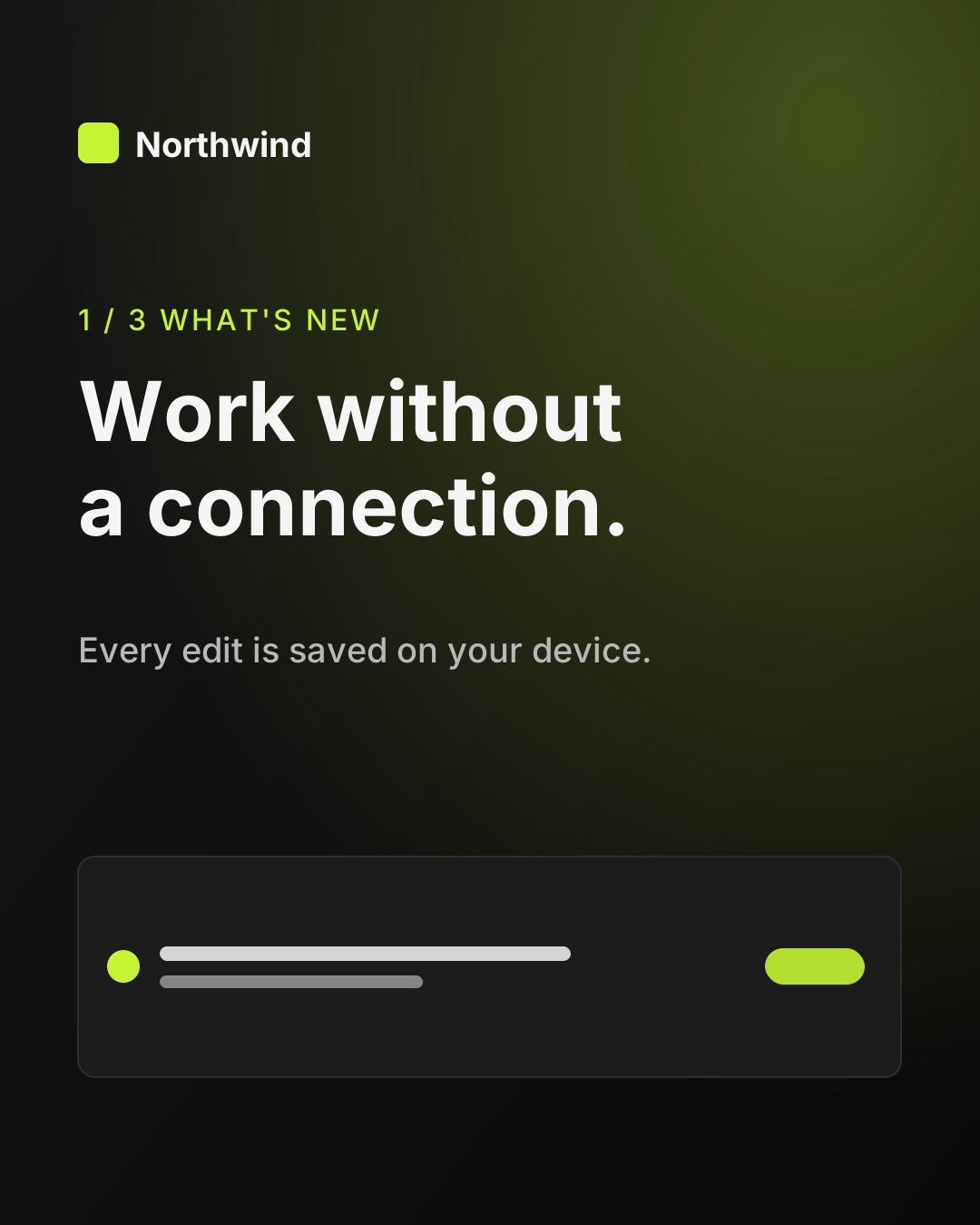
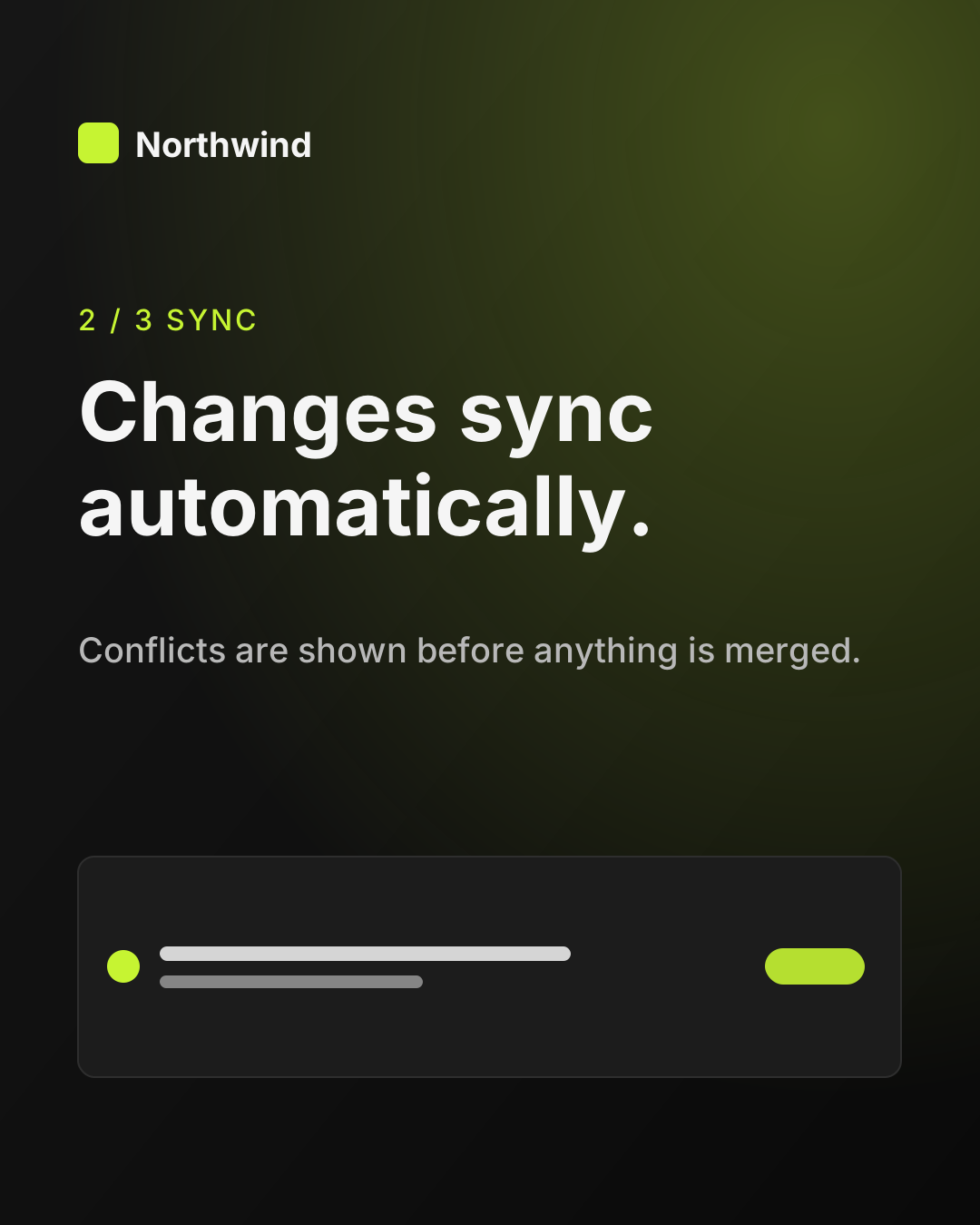
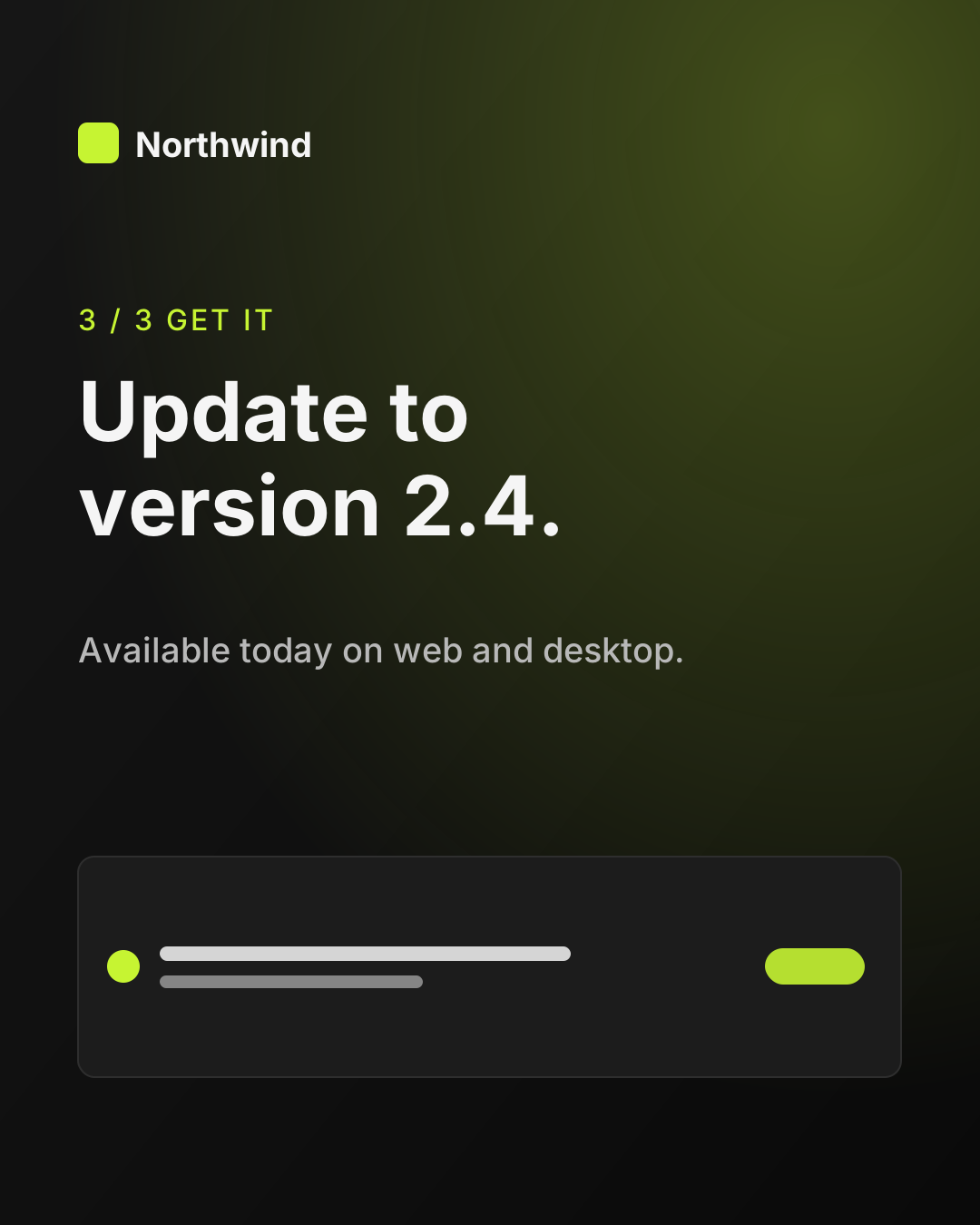
northwindstudioLost signal? Keep working. ✈️ Northwind 2.4 saves every edit on your device and syncs when you're back online. Swipe for the three things that changed. #productivity #remotework #offline #teamwork #northwind
Quick answer
Can ChatGPT post to Instagram?
Yes, for professional (Business or Creator) accounts. Connect Instagram in SimplePost and install the SimplePost plugin in ChatGPT. Give ChatGPT the image or video and the caption idea; it creates the post in SimplePost, shows a preview and schedules it. Instagram always needs media, so a caption on its own cannot be published.
- What you connect
- A professional (Business or Creator) Instagram account
- What you can publish
- Single image, Reel, or carousel of up to 10 items
How it works
How SimplePost supports Instagram
SimplePost connects through Instagram Login with Instagram's content publishing permission. You authorize the Instagram account directly; no Facebook Page selection is involved in the hosted flow.
A single video is published as a Reel. A carousel can mix images and videos, up to 10 items. Before publishing, SimplePost also checks the account's current Instagram publishing quota.
Supported content types
- Single image
- One JPEG image with a caption.
- Reel
- One video, 3 seconds to 15 minutes, published as a Reel.
- Carousel
- 2 to 10 images and videos in one post; each video in a carousel can be 3 to 60 seconds.
Before you connect
Instagram account requirements and limits
SimplePost validates these rules when you schedule and again when the post becomes due.
Account requirements
- A professional Instagram account (Business or Creator). Personal accounts cannot publish through Instagram's API.
- Permission to publish, granted during the Instagram sign-in in SimplePost.
- Media for every post. Instagram has no text-only posts.
Limitations to know
- Stories are not supported.
- PNG, WebP and GIF images are rejected by Instagram's publishing API; export them as JPEG first.
- Instagram enforces a daily publishing quota per account. SimplePost checks it before publishing, but it cannot raise it.
- Collaborators, product tags, location tags and music selection are not available.
Text and media limits
| Caption | 2,200 characters |
|---|---|
| Items | 1 to 10 per post; images and video can be mixed in a carousel |
| Images | JPEG only, up to 8 MB, aspect ratio between 4:5 (0.8) and 1.91:1 |
| Video | MP4 or MOV, H.264 or HEVC with AAC audio, 23 to 60 fps, up to 25 Mbps and 300 MB |
| Single video (Reel) | 3 to 900 seconds, up to 1,920 px wide |
| Video in a carousel | 3 to 60 seconds, aspect ratio between 4:5 and 1.91:1 |
With your assistant
How AI assistants publish to Instagram
The assistant needs media it can hand to SimplePost: a public image or video URL, or a file attached in a client that supports uploads, such as ChatGPT. If your client cannot pass the file, upload it in the SimplePost web composer and ask the assistant to work on the caption.
Ask the assistant to validate the post before scheduling. If an image is a PNG or has a 9:16 ratio, SimplePost returns the exact rule it breaks, and you can export a JPEG at 4:5 before trying again.
Captions are a good fit for AI: ask for a hook in the first line, the details below, and your usual hashtags at the end, all within 2,200 characters.
All assistants use the same SimplePost MCP server, so the accounts, validation and results are identical whichever one you use.
- OpenAIChatGPT and InstagramInstall the SimplePost plugin in ChatGPT to preview, schedule and publish posts on ten networks.
- AnthropicClaude and InstagramConnect SimplePost from the Claude directory to prepare, adapt, preview and schedule posts.
- OpenClawOpenClaw and InstagramInstall the SimplePost bundle from ClawHub or add the MCP server, then publish from your agent.
Example workflow
From idea to a scheduled Instagram post
Connect a professional account
Open Accounts → Connect account → Instagram and sign in to the Business or Creator account.Prepare media
Export images as JPEG at 4:5 or 1:1. Keep carousel videos under 60 seconds.Write the caption with your assistant
Attach the image or share its URL, then ask for a caption under 2,200 characters.Validate, preview and schedule
Ask for a draft and a preview, check the crop and first line, then schedule.
List my SimplePost accounts. I'm attaching three JPEG slides for an Instagram carousel about our new offline mode. Write a caption with a one-line hook, two short paragraphs and five relevant hashtags at the end. Save it as a draft on my Instagram account, validate the images, and show me the preview before scheduling it for Friday at 12:00.
Example prompt. Replace the example links and times with your own; a draft is not published until you schedule or publish it.
Scheduling and preview
How Instagram scheduling and previews behave
- The preview shows the square or portrait frame, the carousel with swipe controls, and how the caption begins under the image.
- Because Instagram media is checked when you schedule, a scheduled Instagram post usually fails later only for account reasons, such as an expired connection or a reached quota, which SimplePost reports per account.
- A draft can be saved even when media is missing, so an assistant can prepare the caption now and you can add the image later.
Cross-posting
Cross-post from Instagram to other networks
Carousel slides can be reused on networks that accept several images, with a caption written for each:
| Three 4:5 JPEG slides with a hashtag caption. | |
| Threads | The same three slides as a Threads carousel with a conversational caption. |
| The slides as a multi-image post with a longer, professional caption. |
Resources
Instagram tools, guides and documentation
FAQ
Instagram scheduling questions
Can I schedule Instagram posts without a Business account?
No. Instagram only allows publishing through its API for professional accounts, Business or Creator. You can switch a personal account to a professional account in the Instagram app.
Does SimplePost post Instagram Reels?
Yes. A post with a single video is published as a Reel. The video must be 3 seconds to 15 minutes long and meet Instagram's codec and frame-rate rules.
Can SimplePost post Instagram Stories?
No. Stories are not supported. SimplePost publishes feed images, Reels and carousels.
Why was my Instagram image rejected?
The most common reasons are a non-JPEG format, a file over 8 MB, or an aspect ratio outside 4:5 to 1.91:1, such as a 9:16 story image. SimplePost reports which rule failed.
Can ChatGPT upload my photo to Instagram?
Yes, if you attach the photo in ChatGPT. The SimplePost plugin accepts files that ChatGPT passes to it, uploads them to SimplePost's storage and uses them in the post.
Other supported platforms
- Schedule LinkedIn posts with AI
- Schedule X (Twitter) posts with AI
- Schedule Threads posts with AI
- Schedule Bluesky posts with AI
- Schedule Facebook Page posts with AI
- Schedule TikTok videos with AI
- Schedule YouTube uploads with AI
- Schedule Pinterest Pins with AI
- Schedule Telegram posts with AI
- Compare all platforms
Schedule your first Instagram post
7 days free · No credit card · 10 posts per platform during the trial